
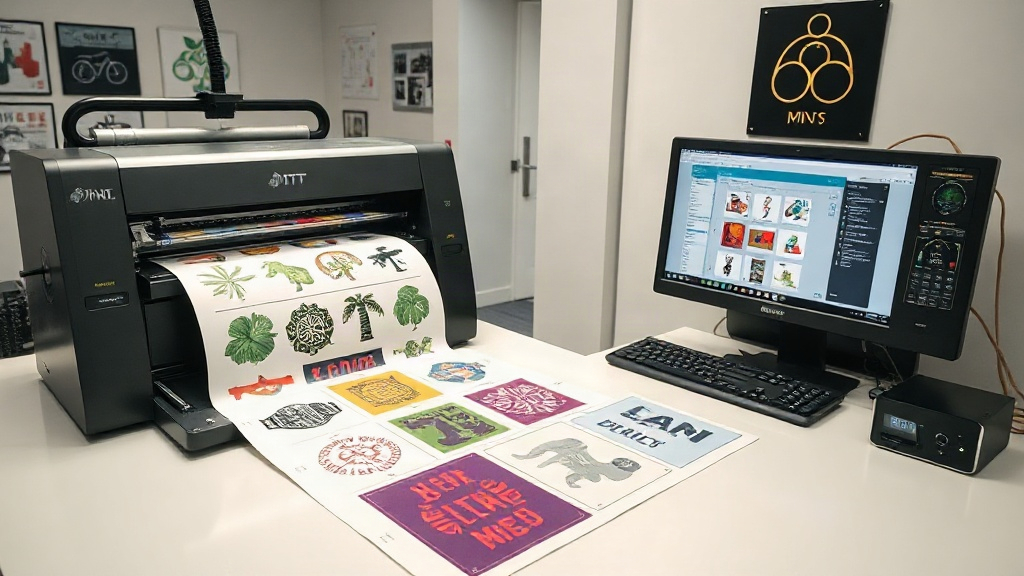
If you're in the custom apparel business, you've likely heard about DTF printing. This technology has revolutionized the way we transfer designs onto fabrics, offering vibrant colors and durability. But as your orders grow, managing multiple designs on a single sheet becomes a logistical puzzle. That's where a DTF gangsheet builder comes in. It's not just a tool; it's a game-changer for your workflow.
What Is a DTF Gangsheet Builder?
A DTF gangsheet builder is software or an online tool that helps you arrange multiple designs onto a single DTF transfer film sheet. Instead of printing each design separately, you group them together, maximizing the use of your film and ink. Think of it as a digital layout assistant that ensures every inch of your sheet is used efficiently.
Why Gangsheets Matter in DTF Printing
DTF printing involves printing your designs onto a special film, coating them with adhesive powder, and then heat-pressing them onto fabric. Each print job consumes film, ink, and powder. If you print designs individually, you end up with lots of wasted material and longer production times. Gangsheets solve this by combining multiple designs into one print run. This reduces waste, saves time, and lowers your cost per transfer.
How a DTF Gangsheet Builder Improves Your Workflow
Manually arranging designs in a graphics program can be tedious and error-prone. A dedicated DTF gangsheet builder automates the process. You upload your designs, set the sheet size, and the builder arranges them optimally. It considers spacing, rotation, and nesting to fit as many designs as possible. This means you spend less time fiddling with layouts and more time printing.
Key Features to Look For
- Automatic Nesting: The builder should automatically arrange designs to minimize gaps.
- Custom Sheet Sizes: Support for various film widths and lengths.
- Design Rotation: Ability to rotate designs for better fit.
- Spacing Control: Adjustable margins between designs for clean cutting.
- Export Options: High-resolution output compatible with your printer.
Benefits of Using a DTF Gangsheet Builder
Investing in a DTF gangsheet builder pays off in several ways. First, material savings: by maximizing sheet usage, you reduce film and ink consumption. Second, time efficiency: what used to take hours now takes minutes. Third, consistency: automated layouts eliminate human error, ensuring every sheet is optimized. Finally, scalability: as your order volume grows, the builder handles larger and more complex jobs with ease.
Real-World Example: A Small Print Shop
Consider a small print shop that receives orders for 50 different t-shirt designs. Without a gangsheet builder, they might print each design on a separate sheet, wasting film and time. With a builder, they can fit all 50 designs onto a few sheets, cutting material costs by 30% and reducing printing time by half. That's a significant boost to their bottom line.
How to Choose the Right DTF Gangsheet Builder
Not all gangsheet builders are created equal. Some are standalone software, while others are integrated into RIP (Raster Image Processor) software. Consider your budget, technical skills, and production volume. If you're a beginner, look for a user-friendly online tool with a free trial. For high-volume shops, a robust software with advanced nesting algorithms is worth the investment.
Integration with Your Existing Setup
Ensure the builder is compatible with your DTF printer and RIP software. Most builders export files in common formats like TIFF or PDF, which your printer can handle. Some even offer direct printing options. Check for updates and customer support, as you'll want assistance if issues arise.
Tips for Maximizing Gangsheet Efficiency
- Group Similar Sizes: Arrange designs of similar dimensions together to reduce gaps.
- Use High-Resolution Files: Low-res designs may appear pixelated when scaled.
- Test Print: Always do a test print to check color and alignment before full production.
- Maintain Your Printer: Regular maintenance ensures consistent output.
Common Mistakes to Avoid
Even with a builder, some pitfalls can hinder your results. Avoid overcrowding the sheet; leave enough space for cutting. Don't ignore the grain direction of the film; it can affect transfer quality. And never skip the powder application step; it's crucial for adhesion.
Frequently Asked Questions
What is a DTF gangsheet builder?
A DTF gangsheet builder is a tool that arranges multiple designs onto a single DTF film sheet to optimize material usage and printing efficiency.
Can I use a gangsheet builder with any DTF printer?
Most builders export standard file formats, so they work with most DTF printers. However, check compatibility with your specific printer and RIP software.
Is a DTF gangsheet builder worth the investment?
Yes, if you print multiple designs regularly. It saves time, reduces waste, and lowers cost per transfer, quickly paying for itself.
How do I maximize the number of designs on a gangsheet?
Use the builder's automatic nesting feature, rotate designs as needed, and group similar sizes. Also, ensure designs are correctly sized and spaced.
What file formats do gangsheet builders support?
Common formats include PNG, TIFF, PDF, and JPEG. For best results, use high-resolution files with transparent backgrounds.
Ready to take your DTF printing to the next level? Explore the DTF gangsheet builder options available and see the difference in your workflow.